
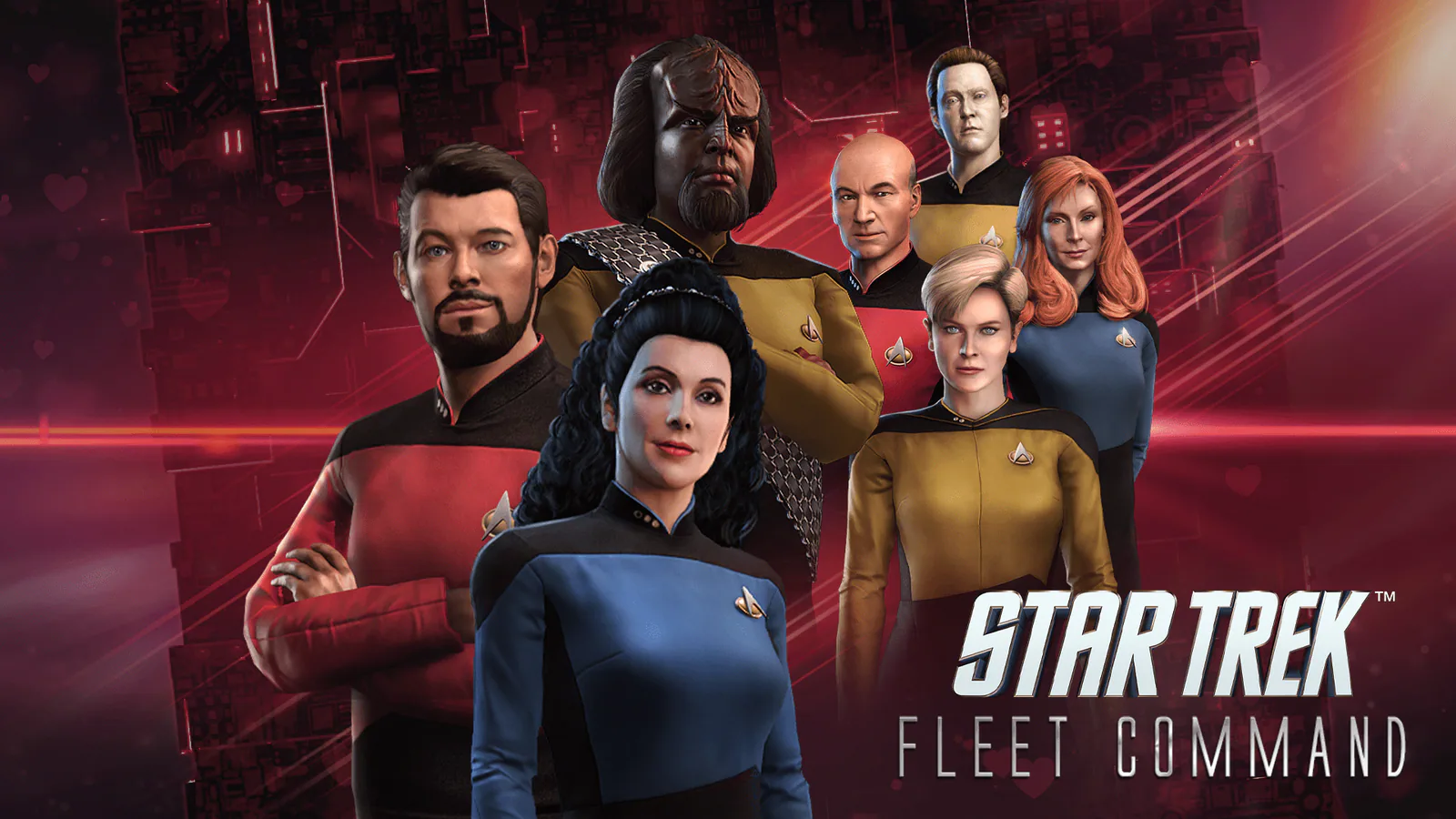
Star Trek Fleet Command is a 4X MMO strategy game that gives you the captain’s chair on PC. You build a starbase, collect and upgrade ships, recruit officers, explore distant systems, and decide how your fleet will grow. It is free-to-play, uses an official PC client, and gives Star Trek fans a long-term strategy game built around the universe they already know.
If you are ready to command your first ships, you can start your fleet on PC and begin building your place in the galaxy.
A Star Trek 4X MMO Strategy Game for PC
This is not a game where you simply choose one ship and follow a short campaign. Your starbase becomes the center of your operations. From there, you improve facilities, research upgrades, gather resources, unlock new systems, and send ships out to complete missions.
Every decision helps shape the fleet you are building. A stronger ship opens new opportunities, a useful officer can improve how a crew performs, and a well-developed base lets you push farther into the galaxy. The game gives you a clear first goal, then steadily adds more systems as your Command level rises.
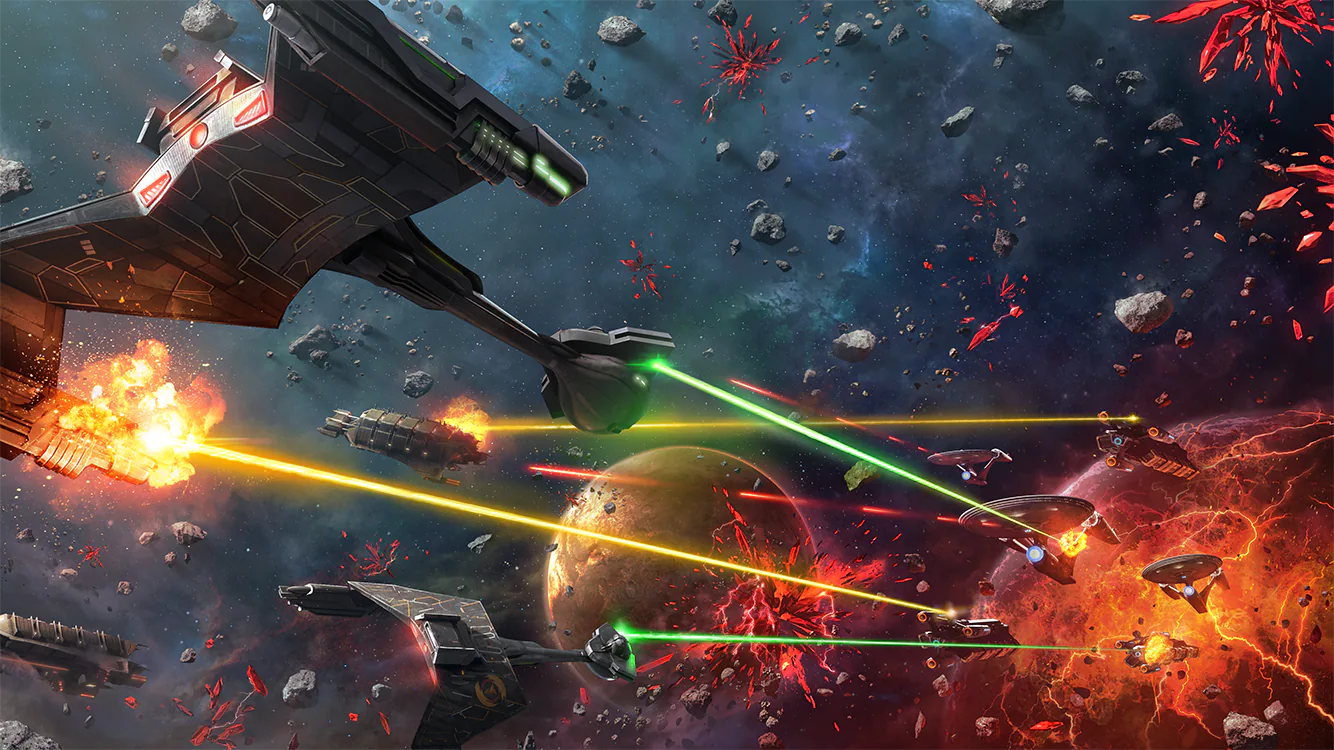
For players who want a Star Trek game with progression, collecting, and a persistent world to return to, beginning your command on PC is a simple way to see where your fleet can go.
Command Iconic Ships and Officers
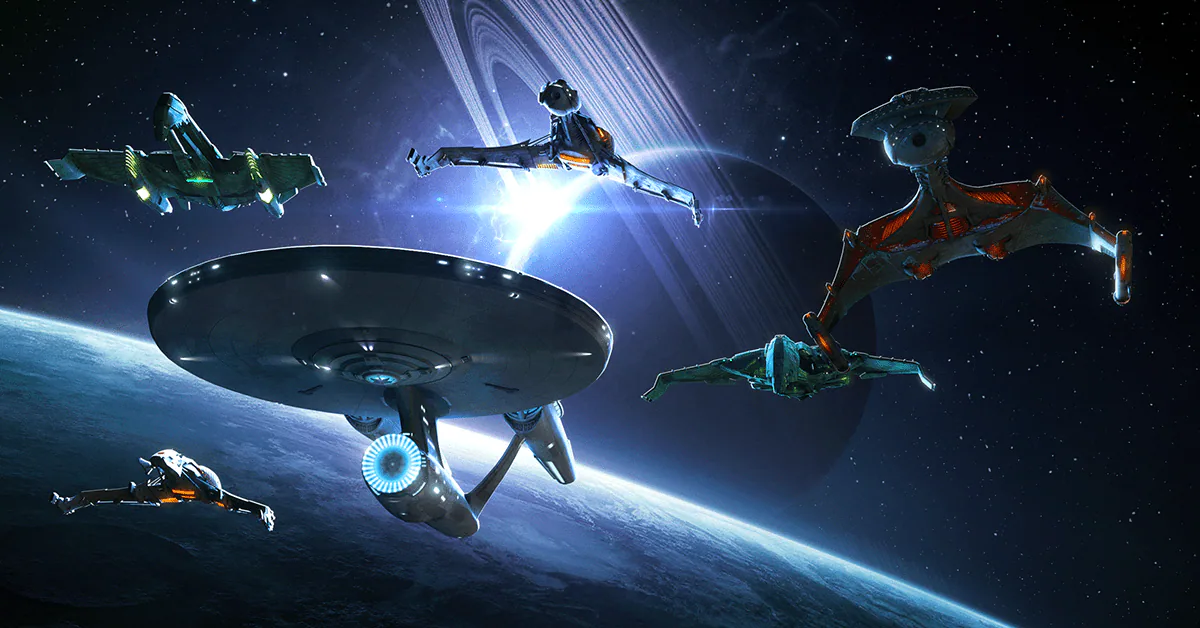
The Star Trek universe is the reason Fleet Command stands out. You do not build a generic science-fiction fleet: you work toward recognizable ships, meet officers drawn from across Star Trek, and choose a path through Federation, Klingon, and Romulan space.
Each ship class has a purpose, and each crew gives you another way to approach exploration, combat, mining, and missions. That sense of building a personal fleet is what makes the early progression satisfying. Your first ship is only the beginning; over time, your base becomes home to a collection designed around the goals you enjoy most.
If taking command of your own Star Trek fleet sounds like the right mission, you can enter the galaxy and start playing on PC.

Start With New Commander Rewards
Your first week in Star Trek Fleet Command is more than a tutorial. The official new-player program includes captain-focused reward paths that give a new Commander concrete goals from the start.
- Complete Battle Simulator levels to earn resources and James T. Kirk shards, leading to his full unlock.
- Log in across seven days to collect daily rewards and unlock Captain Nero.
- Work through the New Commander Academy challenges to unlock Chancellor Gorkon, alongside other early officers such as Instructor Spock.
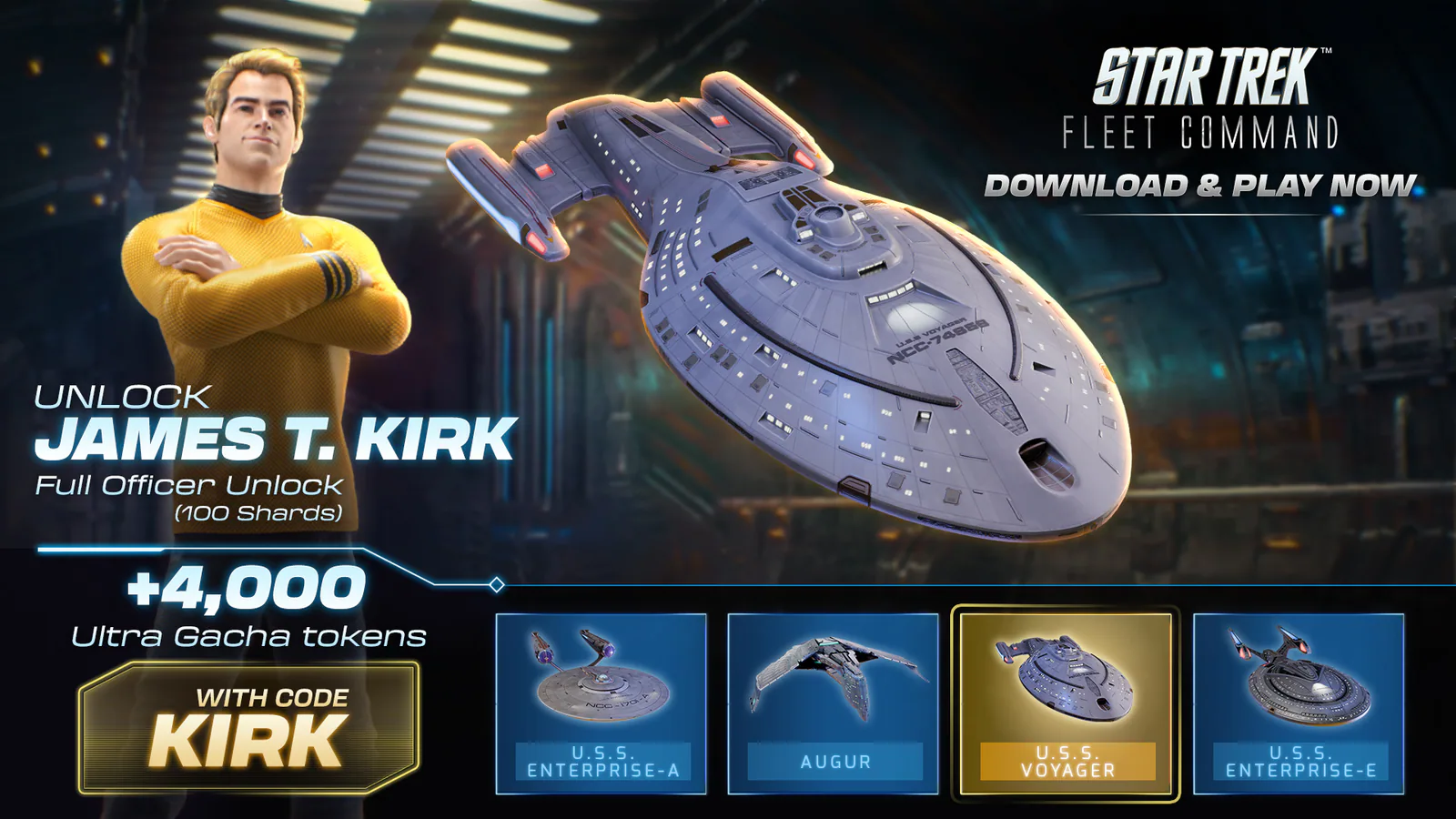
These paths give your opening sessions a clear purpose: build your station, complete objectives, and start assembling an officer crew rather than facing an empty galaxy. They are reserved for new players, and the official guidance says to activate the relevant path before reaching level 10—so it makes sense to begin while your Commander account is still new.
Fleet Command is built for long-term progression. The best way to begin is to focus on your first missions, collect those early rewards, and develop a core group of ships and officers before expanding your ambitions across the galaxy. You do not need to know every system before you start. Start your Star Trek Fleet Command journey on PC, follow the early objectives, and put those first rewards toward the fleet you want to command.
Star Trek Fleet Command System Requirements for PC and Mac
Star Trek Fleet Command has official desktop clients for Windows and Mac. Scopely lists the following minimum specifications:
Windows minimum requirements
| Requirement | Published minimum |
|---|---|
| Operating system | Windows 10 64-bit |
| Processor | Intel i3-4130 at 3.4 GHz |
| Graphics | Intel Graphics 4400 |
| Memory | 8 GB RAM |
Mac minimum requirements
| Requirement | Published minimum |
|---|---|
| Operating system | macOS 11 Big Sur |
| Processor | 1.3 GHz dual-core Intel Core i5 |
| Graphics | Intel HD Graphics 5000 |
| Memory | 4 GB of 1600 MHz LPDDR3 memory |
Your settings, drivers, and other hardware can still affect performance, but these requirements give you a practical starting point before you play. Once your computer is ready, you can take the captain’s chair and build your fleet.
An Active Star Trek Universe in 2026
Fleet Command is still receiving new content in 2026. Recent updates have added missions, officers, artifacts, progression changes, quality-of-life improvements, and new alliance activity. That matters when you are choosing a long-term strategy game: there is an established galaxy to explore, while new reasons to return continue to arrive.
You can begin with the systems that matter most to a new Commander, then discover more ships, crews, events, and alliance activities as your account develops. The universe is already large, but it does not stand still.
Your Fleet Is Waiting
Star Trek Fleet Command is a strong place to start if you want to build a fleet, command familiar ships, and make your own path through the Star Trek universe. Your first missions introduce the basics; your growing starbase, crews, ships, and alliances give you reasons to keep going.
When you are ready to make your first move, play Star Trek Fleet Command on PC and start building your fleet.
